
Ecommerce Automation for Shopify Stores in Pakistan: What to Automate First
Automation isn’t about robots. It’s about the same ten clicks your team makes on every order, done for them. Which order tasks Pakistani Shopify stores should automate first, with ready-made rules you can copy.
invertbyte Team
Product Team
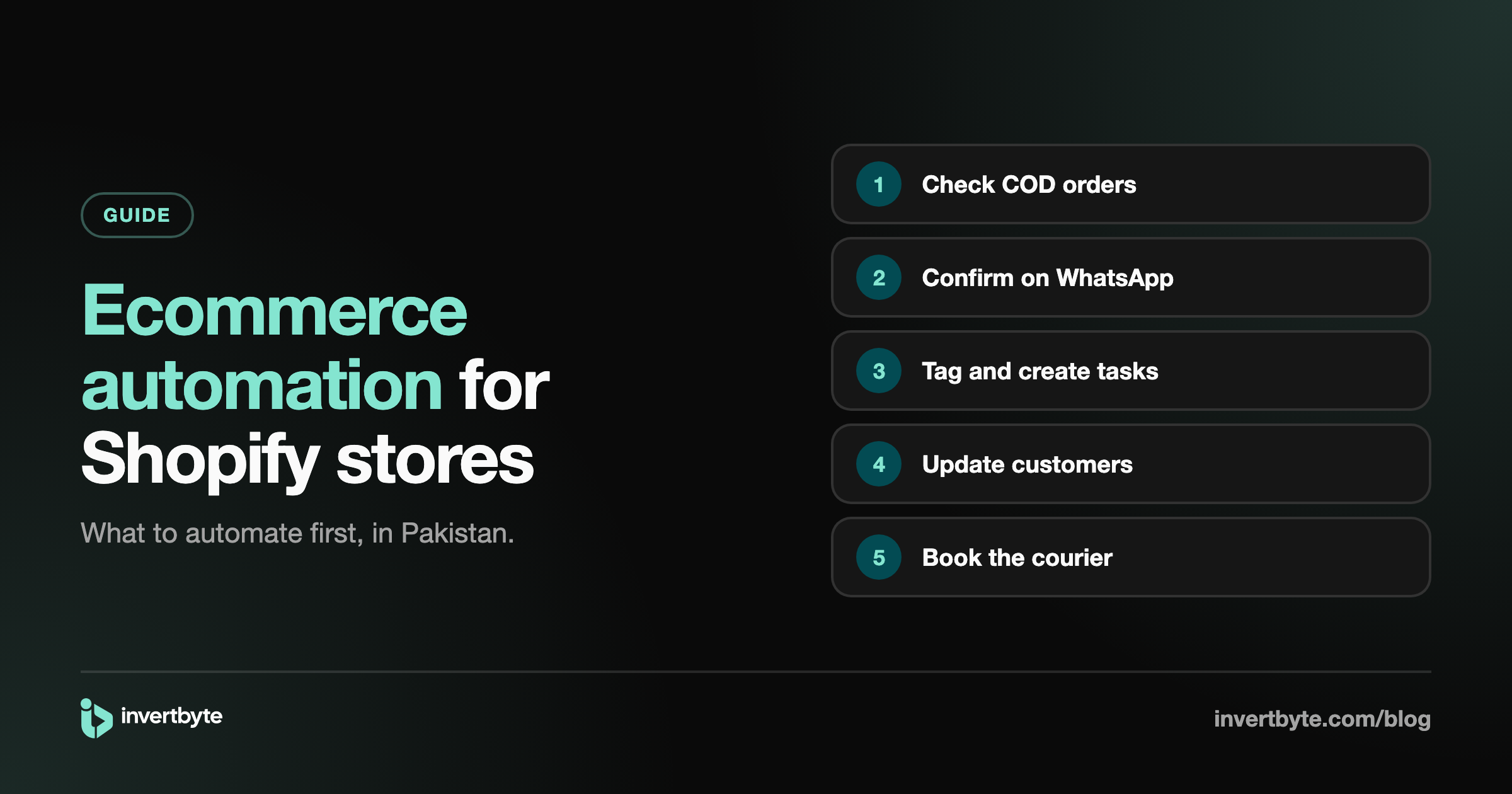
Look at what your team does with every new order. Open it. Check the address. Check the phone number. Look up whether this customer refused a parcel before. Send a WhatsApp message. Tag it. Book it.
None of that needs a person. A person is only needed when something looks wrong. That's the idea behind ecommerce automation: let simple rules do the routine work on every order, so your team only touches the orders that need them.
This guide covers what to automate first in a Pakistani Shopify store, with example rules you can copy.
What ecommerce automation actually means
An automation is a rule that runs on its own when something happens. Every rule has three parts:
- When: the trigger. For example, "a new order comes in" or "a parcel's status changes".
- If: the conditions. For example, "the order is cash on delivery" and "the address is incomplete".
- Then: the actions. For example, "put the order on hold, tag it and create a call task".
You write the rule once. It runs on every order, day and night, the same way every time.
1. Automate COD order checks first
For a cash on delivery store, this gives the biggest return. A rule on every new order can check:
- Is the address complete enough for a rider to find?
- Does the phone number look like a real Pakistani mobile number?
- Is this a duplicate of another recent order?
- Has this customer refused parcels before, or been blacklisted?
Example rule:
- When: a new order comes in
- If: any check fails
- Then: put the order on hold, tag it with the reason, and create a "Call to confirm" task
Orders that pass go straight on. Your team only sees the doubtful ones, with the reason already on the tag. More on the warning signs in 7 Signs a COD Order Might Be Fake.
2. Automate WhatsApp order confirmation
Instead of calling every customer:
- When: a new COD order passes the checks
- Then: send a WhatsApp confirmation with Confirm and Cancel buttons
When the customer taps Confirm, the order is marked confirmed. When they tap Cancel, it's cancelled before anything ships. Full guide: How to Confirm Shopify COD Orders on WhatsApp.
3. Automate customer updates after shipping
- When: the parcel is booked
- Then: send the customer the courier name and tracking number on WhatsApp
- When: the parcel is out for delivery
- Then: send "your parcel arrives today, please keep the cash ready"
These two messages alone reduce "I wasn't expecting it" refusals.
Use a payment filter so prepaid orders don't get a "keep the cash ready" message.
4. Automate tagging
Tags make lists easy to filter. Let rules add them:
- "COD risk" for customers with past returns
- "Incomplete address" when the address check fails
- "WhatsApp confirmed" when the customer taps Confirm
- "Large order" above an amount you choose
Your team can then open "everything tagged COD risk" instead of scanning every order.
5. Automate tasks for your team
When a rule finds something a person must handle, it can create a task: "Call to confirm order #1042", with the customer's name and number. Tasks can be assigned, have a due date, and show who did what. See How to Run an Ecommerce Team for how tasks fit into the team's day.
6. Automate courier booking (when you're ready)
Once you trust your checks and confirmations, booking can run on its own too:
- When: an order is confirmed
- Then: book it with your default courier
This is best switched on last, after a few weeks of watching the earlier rules work. More in Courier Automation.
7. Automate team alerts
Some things the owner should know straight away:
- When: an order above a large amount comes in
- Then: email the team
How to start without breaking anything
- Start from a template, not a blank page. Most rules above are common to every COD store.
- Test on a real order before switching it on. A good tool shows what each step would do, without changing anything.
- Switch on one rule at a time, starting with order checks.
- Watch the history for a few days: which orders each rule ran on, and what it did.
- Then add the next rule.
What not to automate
- Decisions about angry or confused customers. A person should call.
- Marketing messages to people who never ordered. WhatsApp business messages are for orders.
- Anything you can't explain in one sentence. If the rule is too clever, nobody will trust it.
How invertbyte does automation
invertbyte has automation built in for every plan:
- Triggers such as a new order or a shipment update, with a filter for COD or prepaid orders.
- Checks for address, phone, duplicates and COD risk (past returns or blacklisted customers).
- Actions: hold the order, add a tag, create a "call to confirm" task, send a WhatsApp message, email the team, or book with the courier.
- Ready-made templates to start from, so you change a few things instead of building from nothing.
- Test run on a real order (nothing is changed), and a history of every run.
Rules are built on a computer; everything they do shows up on the orders, on any device. See the full flow in Shopify Order Management in Pakistan: The Complete Guide.
Frequently asked questions
Can Shopify Flow do this?
Shopify Flow can automate many things inside Shopify, but it doesn't know about Pakistani couriers, COD risk from past refused parcels or WhatsApp confirmations with buttons. Those need a system built around COD orders.
Do I need a developer to set up automation?
No. You pick a trigger, conditions and actions from lists, or start from a ready-made template.
What if a rule makes a mistake?
Test it on a real order first; nothing is changed during a test. After that, the rule's history shows every order it ran on and what it did, so you can fix it quickly.
Which rule should I start with?
Automatic COD order checks. They catch the orders most likely to come back, and everything else builds on them.
Let the routine run itself
invertbyte has a 14-day free trial, no card needed. Book a 20-minute demo and we'll switch on your first rules with you on the call.
Setting it up in invertbyte