
How to Run an Ecommerce Team: Roles, Permissions and Tasks for Online Stores
As an online store grows, the owner can’t do everything. How Pakistani ecommerce stores split the work between call agents, packers and managers, give each person the right access, and keep track of who did what.
invertbyte Team
Product Team
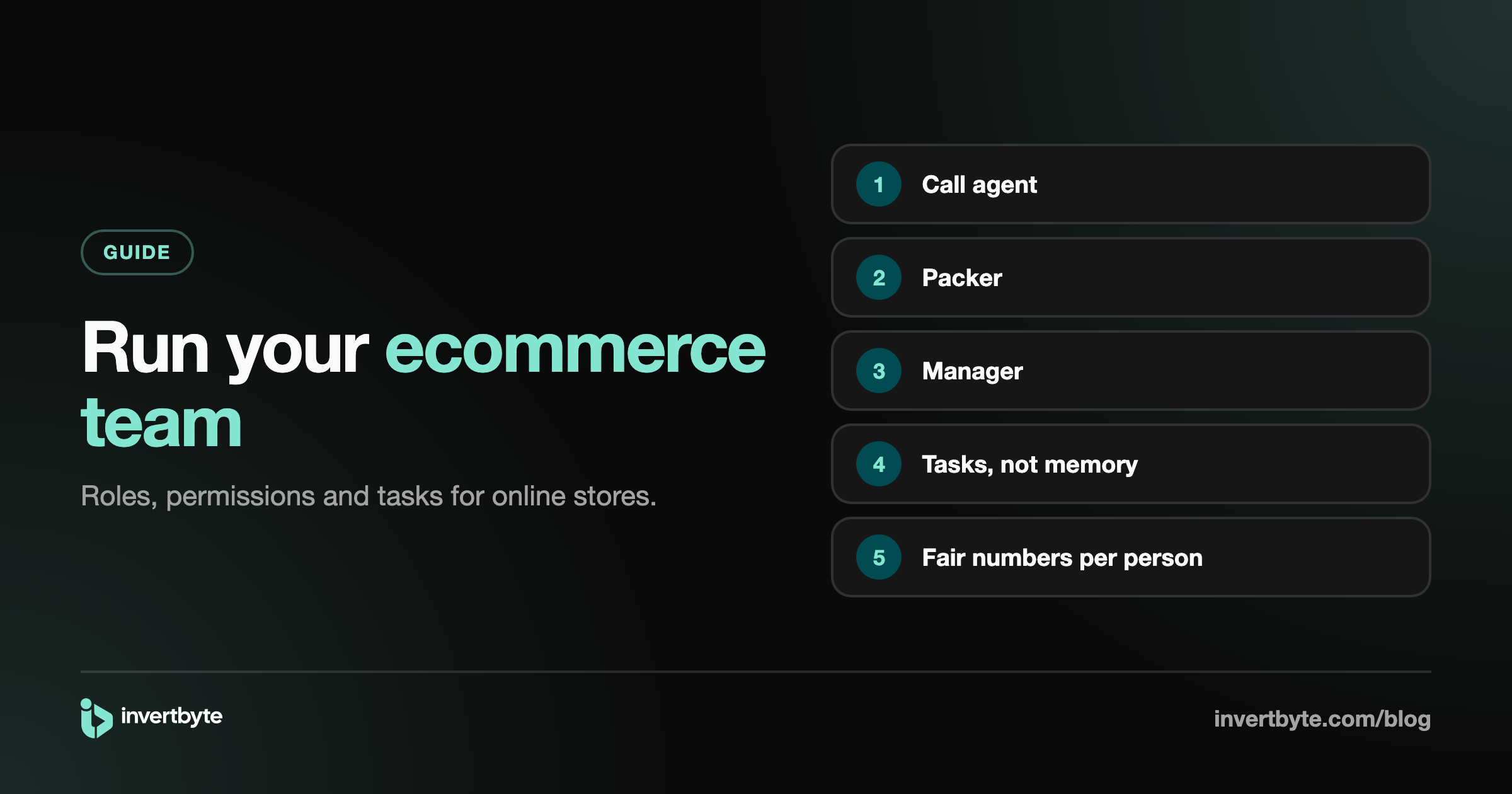
Most online stores start with one person doing everything: answering customers, confirming orders, booking parcels, packing and chasing returns. Somewhere around a few dozen orders a day, that stops working, and the first hire arrives.
Then the questions start. Who confirms orders? Who books? Should the packer see customer phone numbers? Who follows up on failed deliveries? And when something goes wrong, who did it?
This guide covers how Pakistani ecommerce stores organise their team, from the first hire to a small team of five or ten.
The common roles in an online store
Not every store has all of these, and one person often covers two. But the jobs are always there.
Call agent (order confirmation)
- Confirms orders by phone or WhatsApp
- Calls customers whose orders were put on hold
- Follows up on failed deliveries the same day
Packer (warehouse)
- Packs confirmed and booked orders
- Checks the right items go in each box
- Hands parcels to the courier's rider
- Receives returns and checks them
Manager
- Books parcels and makes the pickup load sheet
- Watches returns and courier payments
- Handles problems the team can't solve
Owner
- Everything above, plus prices, team access, billing and decisions
Give each person only the access they need
A shared login, or one spreadsheet everyone can edit, causes two problems: mistakes nobody can trace, and people seeing things they don't need to (customer lists, prices, money).
Set access per area, with two levels: View (can see) and Manage (can change). For example:
| Role | Orders | Customers | Couriers | Automation | Team |
|---|---|---|---|---|---|
| Call agent | Manage | View | No | No | No |
| Packer | Manage (to pack and book) | No | No | No | No |
| Manager | Manage | Manage | Manage | Manage | No |
| Owner | Everything | Everything | Everything | Everything | Everything |
Start strict. It's easy to give someone more access later, and awkward to take it away.
Use tasks, not memory
"Call this customer after 5" and "check why this parcel came back" get forgotten when they live in someone's head or a WhatsApp group.
Turn them into tasks:
- Each task has one owner, a due date and a priority.
- It links to the order, with the customer's number one tap away for a call or WhatsApp.
- Notes and history: who changed the status, who reassigned it, what was said.
- Automation can create tasks, for example "Call to confirm" when an order is put on hold. See Ecommerce Automation.
Agents see the tasks assigned to them, made by them, or not yet assigned. The owner sees everything.
A simple daily routine
Morning
- Call agent: confirm yesterday's late orders and call the ones on hold.
- Manager: book confirmed orders and print airway bills.
- Packer: pack with a scan check, so the right items go in each box.
Afternoon 4. Packer: hand over to the rider with a scan of each parcel. What's left on the list didn't go. 5. Call agent: call customers whose delivery failed and ask the courier to try again.
Evening 6. Packer: scan in returns that arrived. 7. Manager: check returns still on the way, and any courier payment that came in.
Measure the team's work, fairly
Without numbers, it's hard to know who's overloaded and who's free. Track simple counts per person:
- Orders confirmed
- Parcels booked
- Parcels handed over to riders
- Returns received
- Tasks done
Use them to balance the work, not to punish. A packer with fewer handovers might be doing all the returns.
When to hire your first team member
Signs it's time:
- Confirmation calls are getting skipped on busy days.
- Booking takes most of your morning.
- Returns pile up unchecked.
- You can't take a day off without orders stopping.
The first hire is usually a call agent or a packer, depending on which part of the day hurts most.
How invertbyte supports your team
- Permissions per person: View or Manage for orders, products, customers, stores, couriers, tags, automation and team.
- Packers can pack with a scan check and hand over to the rider without touching other parts of the system.
- Tasks with their own page: assignee, priority, due date, the linked order with call and WhatsApp, and notes and history.
- Automation creates tasks for the team, such as "Call to confirm".
- Team report: orders confirmed, parcels booked, handed over, returns received and tasks done, per person.
- Works on a phone, so the packer and call agent don't need a computer.
See how it all fits in Shopify Order Management in Pakistan: The Complete Guide.
Frequently asked questions
Should my packer see customer details?
Only what they need to pack and hand over. Give them access to orders for packing, and keep customers, prices and settings closed.
How many people does an online store need?
It depends on volume and how much is automated. Once checks, booking and tracking run on their own, a small team can handle far more orders than when everything is done by hand.
How do I know who changed an order?
Use a system that keeps a history on every order: who confirmed it, booked it, changed the address or cancelled it.
Can team members use their phones?
Yes, if your tools work on a phone. Confirmation calls, packing scans with the phone camera and rider handover all work from a phone.
Give your team a clear way to work
invertbyte has a 14-day free trial, no card needed. Book a 20-minute demo and we'll set up your team's access on the call.
Setting it up in invertbyte