
Courier Automation: Book, Track and Follow Up on Parcels Without the Portal
Courier work eats hours: booking, printing, checking the portal, chasing failed deliveries and returns. What Pakistani online stores can automate in courier operations, and what should stay with a person.
invertbyte Team
Product Team
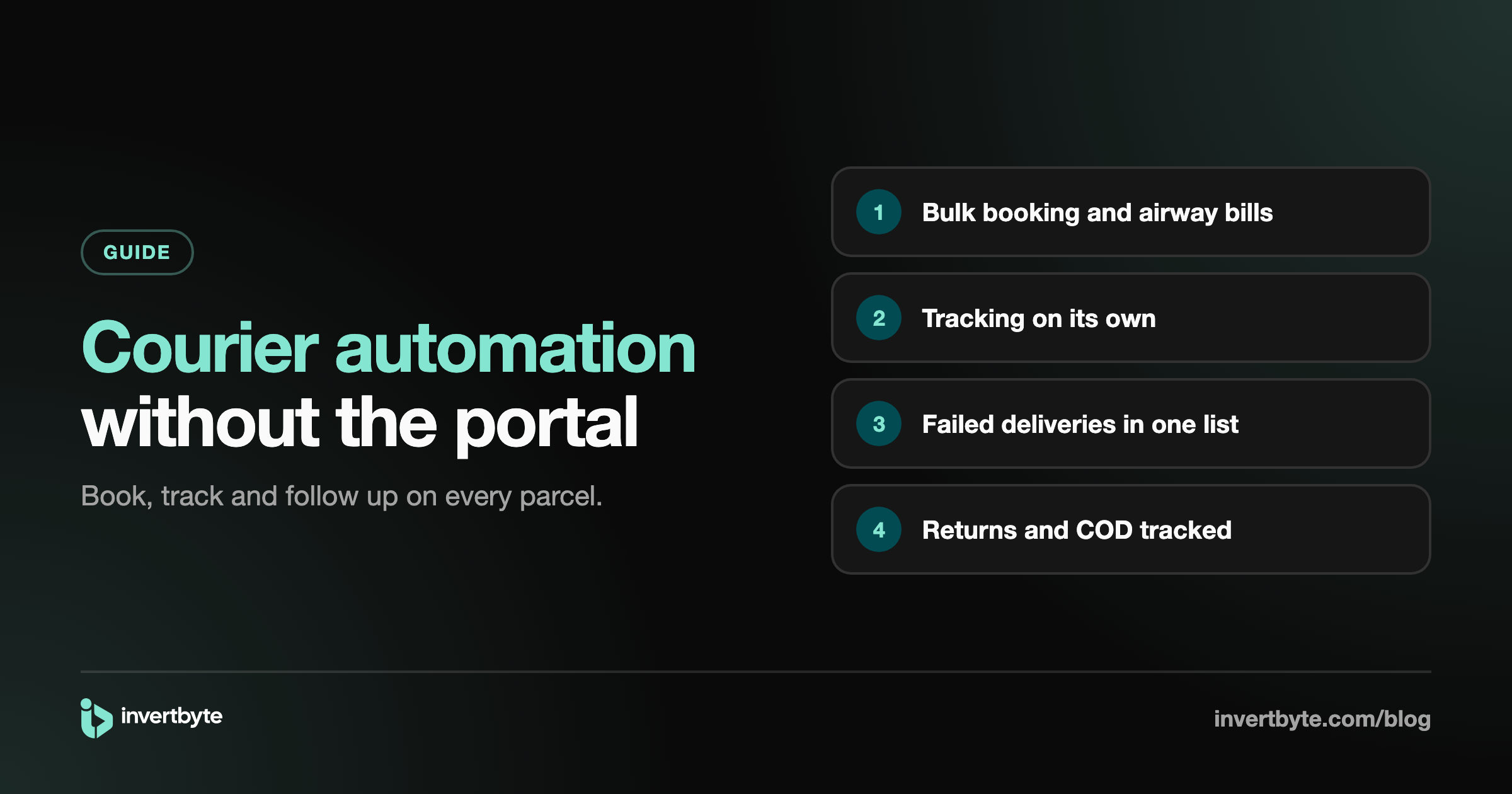
Ask any online store owner in Pakistan where the day goes, and courier work is near the top. Booking parcels. Printing airway bills. Making the load sheet. Checking the courier portal to see what was delivered. Chasing parcels the rider couldn't deliver. Waiting for returns. Matching courier payments.
Most of that is the same steps, repeated for every parcel. That's exactly what automation is good at. This guide covers which courier tasks you can automate, how, and where a person should still step in.
The courier work behind every order
For each parcel, someone usually:
- Copies the order into the courier portal and books it.
- Prints the airway bill.
- Adds it to the load sheet for pickup.
- Checks the portal every day or two for its status.
- Updates the order or spreadsheet when the status changes.
- Calls the customer when the rider couldn't deliver.
- Waits for the return and checks it arrived.
- Matches the courier's payment against delivered parcels.
At 100 parcels a day, that's hundreds of small tasks. Let's go through what can run on its own.
1. Booking
By hand today: copy each order into the courier portal.
Automated: book straight from your confirmed orders, many at once, on your own courier account. The next step up is a rule: when an order is confirmed, book it with your default courier, with no click at all.
Start with bulk booking. Switch on automatic booking only once your order checks and confirmations are working well, so a doubtful order is never booked by itself. See How to Book Courier Parcels from Shopify.
2. Airway bills and pickup
Automated: every booked parcel's airway bill in one PDF, and the load sheet made for all waiting parcels at once. From a phone, the PDF can be shared or printed straight away.
3. Tracking updates
By hand today: open the courier portal and check each parcel.
Automated: the order status follows the courier on its own: booked, in transit, out for delivery, delivered, returned. Nobody checks the portal, and your order list is always current. If you sell on Shopify, the order can be marked fulfilled there too, with the tracking number. See Shopify Fulfillment and Tracking.
4. Customer messages
Two automatic WhatsApp messages cut refusals:
- When the parcel is booked: the courier name and tracking number.
- When it's out for delivery: "your parcel arrives today, please keep the cash ready".
Prepaid orders skip the cash message.
5. Failed deliveries
This is where automation helps most, because timing matters. A parcel the rider couldn't deliver usually becomes a return in a few days unless someone acts.
Automated:
- Every failed delivery lands in one list the moment the courier reports it.
- The customer can get a WhatsApp message to ask for another attempt.
- Your team can tell the courier to deliver again or return it, straight from the list (with couriers whose API allows it).
Still a person: the call to the customer, to find out what happened and when they'll be home.
6. Returns
Automated: parcels the courier marks returned show up in a "coming back" list. When they arrive, your team scans them in, and anything the courier says is returned but you never received stays on the list to chase. More in How to Track COD Returns and Find Missing Parcels.
7. COD from couriers
Automated: a running list of delivered COD parcels the courier hasn't paid for yet. When a payment arrives, record it with the courier's charges and see straight away whether anything is short.
What should stay with a person
- Deciding on risky orders before they're booked.
- Talking to customers after a failed delivery.
- Packing, with a scan check so the right items go in the box.
- Handing over to the rider, with a scan of each parcel so nothing goes missing.
- Raising claims with the courier for lost parcels.
Automation does the routine. People handle the exceptions.
How invertbyte automates courier work
- PostEx and Leopards on your own accounts (TCS, M&P and Trax coming soon).
- Bulk booking with every airway bill in one PDF, and load sheets for pickup.
- Automatic booking from your rules, when you're ready.
- Tracking that updates the order on its own, and shipping updates to Shopify.
- WhatsApp shipped and out for delivery messages.
- A Delivery attempted tab, with Deliver again or Return to me for PostEx (Leopards through their portal).
- Returns scanned in, with the missing ones listed.
- COD from couriers, parcel by parcel, with charges and short payments.
- Packing check and rider handover with a phone camera or barcode gun.
Read how automation rules work in Ecommerce Automation for Shopify Stores.
Frequently asked questions
Can courier booking be fully automatic?
Yes. A rule can book every confirmed order with your default courier. Most stores switch this on after their order checks and confirmations have run well for a while.
Do I need a separate courier software?
Not if your order management system books your couriers. Everything then lives on the order: booking, tracking, returns and payment.
What happens if a courier's system is down?
The booking fails and the order stays unbooked, with the reason shown, so you can try again. Nothing is booked twice.
Can I use more than one courier?
Yes. Connect each courier account and choose which one to book with, or set a default.
Spend your day on customers, not the portal
invertbyte has a 14-day free trial, no card needed. Book a 20-minute demo and we'll connect your courier and switch on tracking on the call.
Setting it up in invertbyte