
7 Signs a COD Order Might Be Fake (and What to Do Before You Ship)
Most refused parcels give a warning before they're booked. Seven signs to look for on a cash on delivery order, and a simple routine for checking them without calling every customer.
invertbyte Team
Product Team
If you sell on cash on delivery, you already know the feeling. The rider comes back with the parcel, the customer "wasn't home" or "never ordered", and you've paid delivery both ways for nothing.
Not every strange order is fake. But most refused parcels show a sign or two before they're ever booked. If your team knows what to look for, you can call those customers first and ship the rest without slowing down.
Here are seven signs worth checking.
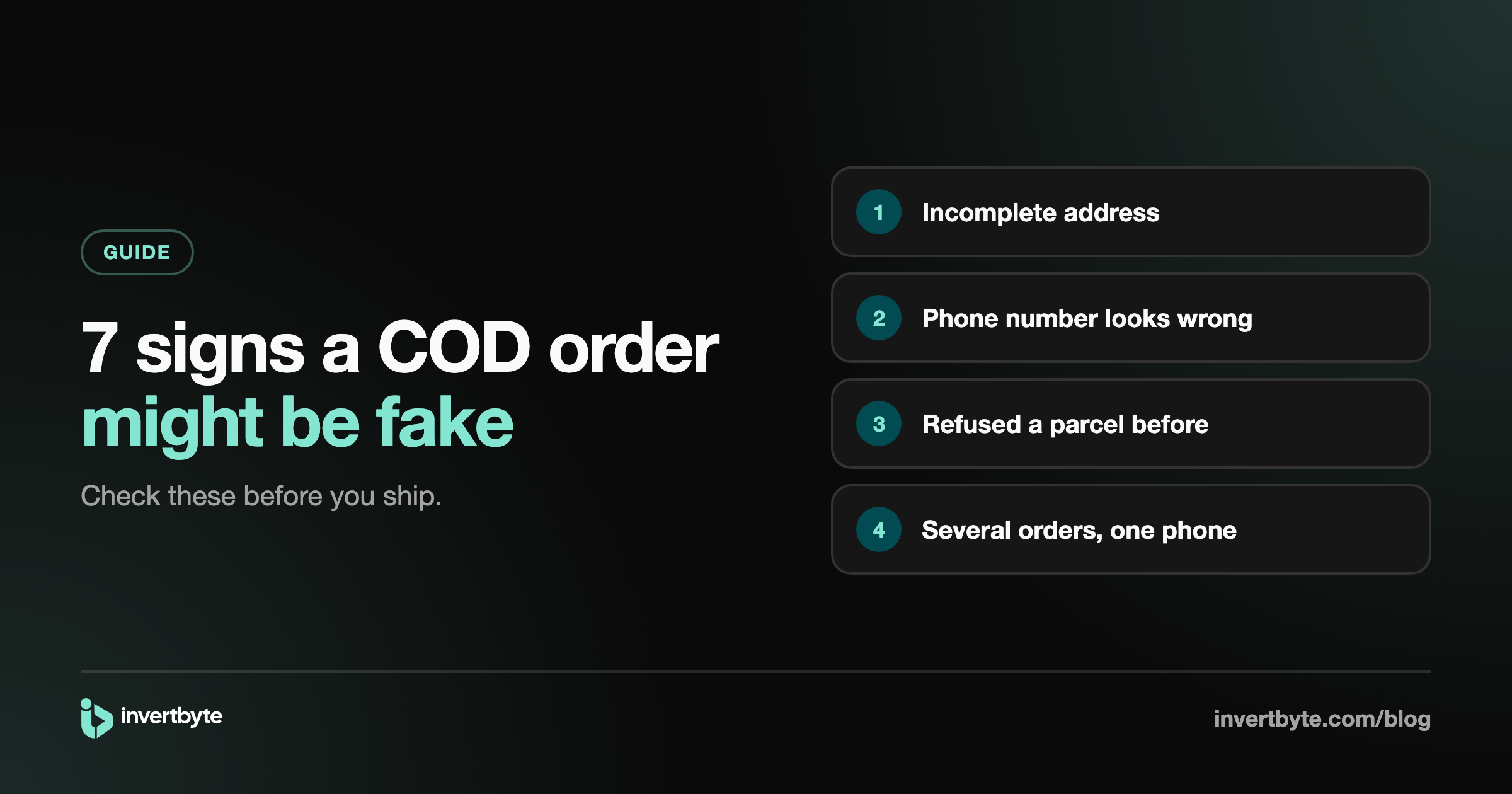
1. The address is incomplete
"Lahore". "Near market". "My home". A real address usually has a house or flat number, a street, a block or at least a landmark people would recognise.
An address with only a city, or a line so short it couldn't guide a rider, is the most common reason a parcel can't be delivered. Sometimes it's an honest mistake. Sometimes the customer was never going to answer.
What to do: message or call to get the full address before booking. If the customer won't share it, that tells you something too.
2. The phone number doesn't look right
A Pakistani mobile number has 11 digits and starts with 03 (or +92 3). Watch for numbers that are too short, have a digit missing, or are clearly made up, like 0300 0000000 or 0312 3456789.
A rider who can't reach the customer usually brings the parcel back.
What to do: don't book until the number is fixed. A wrong number on the order is almost always a wrong number for the courier too.
3. Placeholder words in the name or address
"Test", "abc", "asdf", "xyz", the same letter typed over and over. These come from people trying the checkout, from bots, or from someone who doesn't care if the order arrives.
What to do: cancel obvious test orders. If the rest of the order looks real, a quick call settles it.
4. The customer refused a parcel before
This is the strongest sign of all. Someone who refused one or two of your parcels before is much more likely to do it again.
The problem is remembering. Customers order from a different name, a different email, sometimes a different address. The phone number is usually the one thing that stays the same.
What to do: keep a history per customer by phone number, with how many orders they placed, how many were delivered and how many came back. Before shipping, check it. For repeat refusers, ask for a small advance or skip the order.
5. Several orders from one phone in a short time
Three orders from the same number in an hour is rarely three real purchases. It's usually someone confused by the checkout, testing it, or placing orders they don't intend to receive.
What to do: merge or cancel the duplicates and confirm the one that's left.
6. A large order from a brand-new customer
A first order worth Rs 25,000 on cash on delivery carries more risk than a Rs 2,500 one. It may be completely genuine, but if it's refused, you lose more.
What to do: set an amount that makes sense for your store. Above it, confirm by phone or WhatsApp, or ask for a small advance by bank transfer or mobile wallet.
7. The customer can't be reached before shipping
If you send a confirmation message or call and get no answer at all, the rider probably won't either.
What to do: give it a day. If there's still no reply, put the order on hold instead of booking it. A parcel that never leaves your warehouse costs you nothing.
A routine that doesn't take all day
You don't need to call every customer. That's how confirmation becomes a full-time job. A simpler routine:
- Check every new order against the signs above.
- Book the clean ones straight away.
- Put the doubtful ones on hold with a note saying why.
- Confirm only those, by WhatsApp first and a call if there's no reply.
How invertbyte helps
In invertbyte, an automation checks every new order as it comes in: the address, the phone number, duplicate orders from the same number, and the customer's past refusals. Orders that fail a check are put on hold with a tag explaining why, so your team knows exactly who to call.
Customers can also get a WhatsApp message with Confirm and Cancel buttons. Their reply updates the order on its own, and you only call the ones who don't answer.
Want to see it on your own orders? Book a 20-minute demo or start a free 14-day trial.