
How to Track COD Returns and Find Missing Parcels
The courier says “returned”, but the parcel never reached your warehouse. How Pakistani online stores track every COD return, find parcels stuck on the way back, and make sure couriers pay what they owe.
invertbyte Team
Product Team
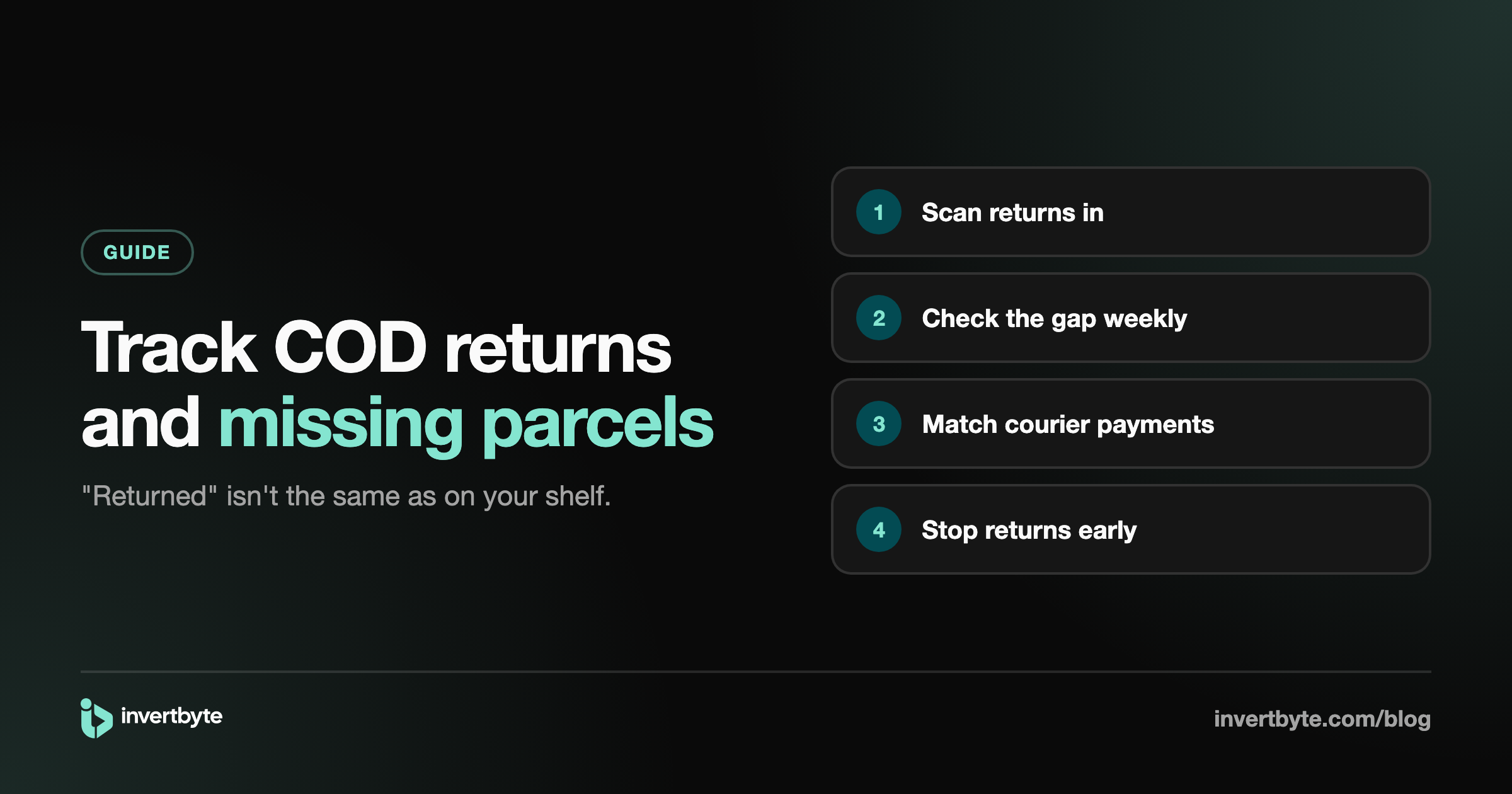
Every COD seller has had this moment. The courier portal says a parcel was returned. You check the warehouse. It isn't there.
Maybe it's still with the courier. Maybe it's in another city. Maybe it's lost. Either way, that's your stock and your money, and unless someone is keeping count, nobody will ever ask about it.
This guide shows how to track returns properly, find the ones that go missing, and make sure the COD money from delivered parcels actually reaches you.
Why returns go missing
A return passes through many hands: the rider, the courier's local hub, the hub in your city, and finally the rider who brings it back. Each step is a chance for a parcel to sit forgotten.
The courier's system often marks a parcel "returned" when it starts the journey back, not when it reaches you. So "returned" in the portal doesn't mean "on your shelf".
On top of that, most stores don't count returns at all. They notice the parcels that arrive, and never notice the ones that don't.
Step 1: Separate "coming back" from "received"
The single most useful change is to treat these as two different states:
- Coming back: the courier says it's returned or returning.
- Received: the parcel is physically in your warehouse, checked by your team.
Only a parcel you've actually received counts as returned. Everything else is still out there.
Step 2: Scan returns in when they arrive
When the courier brings returns, scan each parcel's airway bill (or type the tracking number) and mark it received. It takes seconds per parcel and gives you a clean record of what really came back.
A phone camera is enough. No special scanner is needed to start.
While you're at it, check the box: is the item inside, and is it in a condition to sell again?
Step 3: Check the gap every week
Once a week, look at one list: parcels the courier says are returned, but you haven't received.
- A few days old: probably still on the way. Leave them.
- More than a week or two: ask the courier, with the tracking numbers.
- Still missing after that: raise a claim with the courier as their process allows.
Without this list, you'd never know which parcels to ask about.
Step 4: Track COD money from delivered parcels
Returns are one side. The other side is money. When a COD parcel is delivered, the courier collects the cash and pays you later, minus their charges.
To make sure you get everything:
- Keep a list of delivered COD parcels the courier hasn't paid for yet.
- When a courier payment arrives, match it to the parcels it covers.
- Note the courier's charges for each parcel (they can differ by city).
- Compare: what should they have paid, and what did they pay? A difference means something to ask about.
Doing this in a spreadsheet works, but it's slow and errors creep in. More in Excel vs Order Management System.
Step 5: Stop returns before they start
Tracking returns tells you what you lost. Preventing them saves it. The biggest levers:
- Confirm orders before shipping, especially on WhatsApp. See How to Confirm Shopify COD Orders on WhatsApp.
- Check risky orders: incomplete addresses, customers who refused before. See 7 Signs a COD Order Might Be Fake.
- Act on failed deliveries the same day: call the customer and ask the courier to try again before the parcel turns into a return.
- Send an "out for delivery" message so the customer has the cash ready.
For a fuller list, read 5 Practical Ways to Reduce COD Returns.
How invertbyte tracks returns and COD
- Returns: scan returned parcels in with a phone camera or barcode gun. One list shows the parcels the courier marked returned that you haven't received yet.
- Delivery attempted: every parcel the rider couldn't deliver in one tab, with Deliver again or Return to me for PostEx (Leopards through their portal).
- COD from couriers: what each courier still owes, parcel by parcel. Record a courier payment with their charges and see straight away if anything is short. Undo it if you made a mistake.
- Customers: one history per customer by phone number, with their delivery rate. Customers who keep refusing parcels can be blacklisted and flagged on their next order.
- Reports: delivered and returned percentages, couriers and cities, downloadable for Excel.
See the full flow in Shopify Order Management in Pakistan: The Complete Guide.
Frequently asked questions
Why does the courier say "returned" when I don't have the parcel?
Couriers often mark a parcel returned when it starts the trip back. It can take days to reach you, and sometimes it gets stuck at a hub. That's why you should count a return only when you've scanned it in.
How long should a return take to come back?
It depends on the courier and the cities involved. If a parcel marked returned hasn't arrived within a week or two, ask the courier with the tracking number.
How do I know if a courier underpaid me?
List the delivered COD parcels in each payment, subtract the courier's charges, and compare with the amount you received. Any difference is worth raising with the courier.
Do I need special scanners?
No. A phone camera can scan airway bills. A barcode gun is faster if you handle many parcels a day.
Can returns ever be zero for a COD store?
Not really. But many can be caught before shipping, and the ones that do happen should always make it back to your shelf.
Know where every parcel is
invertbyte has a 14-day free trial, no card needed. Book a 20-minute demo and we'll show you your own returns and courier payments on the call.
Setting it up in invertbyte