
How to Book Courier Parcels from Shopify Without the Courier Portal
Copying every Shopify order into the courier portal takes hours. How Pakistani stores book PostEx and Leopards parcels straight from their orders, print every airway bill in one PDF and request pickup, on their own courier account.
invertbyte Team
Product Team
For many Pakistani Shopify stores, the slowest part of the day isn't selling. It's booking.
Open the order in Shopify. Copy the name. Copy the phone number. Copy the address, then fix it because the courier portal wants the city in a separate field. Enter the COD amount. Print the airway bill. Repeat for the next order, and the next, and the next.
At 20 orders a day that's an hour. At 100 it's someone's whole morning, and every copy-paste is a chance to send a parcel to the wrong number.
This guide explains how stores book courier parcels straight from their Shopify orders instead.
Why Shopify and Pakistani couriers don't talk to each other
Shopify has built-in shipping for some countries, but not for local Pakistani couriers like PostEx or Leopards. So out of the box, there's no "book with courier" button on a Shopify order here.
That leaves three options:
- Copy orders into the courier portal by hand. Free, but slow and easy to get wrong.
- Upload a spreadsheet to the courier portal. Faster, but you still export, clean up and fix the file every day.
- Book from an order management system that's connected to both Shopify and your courier account.
What booking from your orders looks like
With a connected system, booking takes a few clicks:
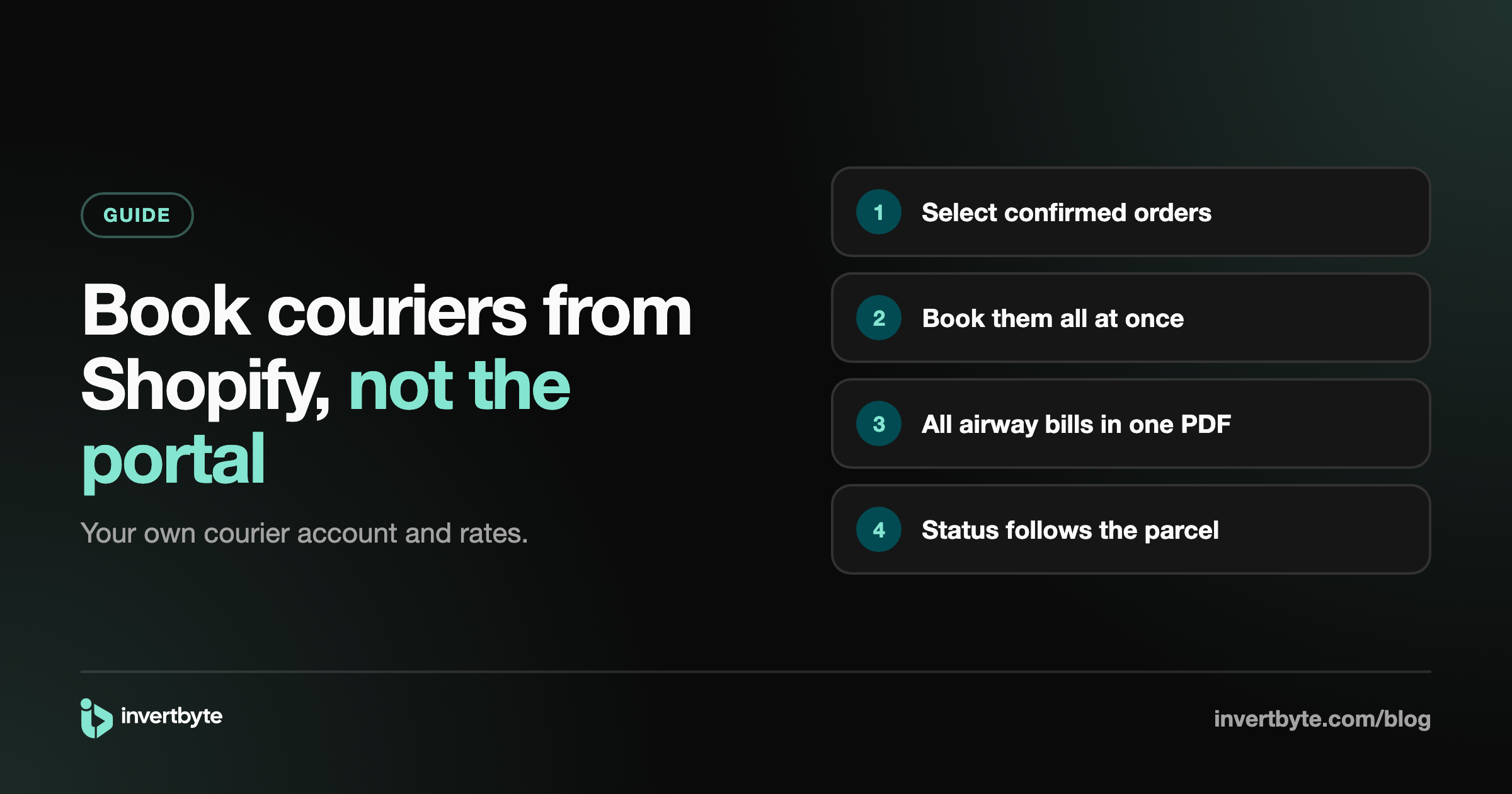
- Open your confirmed orders. They're already in one list, with names, phones, addresses and COD amounts from Shopify.
- Select the ones to ship. One order, or a whole morning's worth.
- Choose your courier account. If you use more than one courier, pick the right one.
- Book. Each order gets a tracking number from the courier.
- Print. All airway bills come in one PDF, ready for the printer.
The details go to the courier exactly as they are on the order, so no typing and no copy mistakes.
Your own courier account, your own rates
A common worry: "Will I lose my rates?" No. You connect the courier account you already have, using the API details the courier gives you. Your rates, your COD payments and your relationship with the courier stay exactly as they are. The system just books on your account for you.
Connecting PostEx
In your PostEx merchant dashboard you'll find an API token. Paste it into your order management system and choose your pickup address. That's it.
Connecting Leopards
Leopards gives you an API key and an API password from your account. Enter both, and you're connected.
Pickup and load sheets
Booking a parcel isn't the same as the courier collecting it. Couriers usually want a load sheet (a list of parcels for the rider) before they pick up.
From your order list you can make the load sheet for all waiting parcels at once and print it for the rider. Some couriers ignore API bookings until a pickup is requested, so this step matters.
Checking the box before the rider takes it
Booking fast is only half of it. Two problems show up right after:
- Wrong items in the box. Scan the airway bill, then each item. If the wrong size or a missing item is scanned, you know before the box is sealed.
- Parcels that never leave. Scan each parcel as the rider takes it. Whatever is still on the list after the rider leaves didn't go, so there's no argument later about "I gave it" and "I never got it".
After booking: tracking without the portal
Once booked, the order status should follow the courier on its own: booked, in transit, out for delivery, delivered or returned. You shouldn't need to open the courier portal to check parcels one by one.
When the rider couldn't deliver, the parcel should show up in a "delivery attempted" list so you can call the customer and ask the courier to try again the same day. With PostEx this can be sent from your order list. With Leopards, you give the instruction in their own portal.
If you also want Shopify to show the order as fulfilled with the tracking number, see Shopify Fulfillment and Tracking for Pakistani Couriers.
What about other couriers?
Today invertbyte books with PostEx and Leopards. TCS, M&P and Trax are coming soon. Until then, you can still record a parcel booked on another courier's portal by entering its tracking number on the order, so everything stays in one list.
How invertbyte handles courier booking
- Connect PostEx and Leopards with your own accounts.
- Book many confirmed Shopify orders at once and print every airway bill in one PDF.
- Request pickup with a load sheet.
- Packing check and rider handover with a phone camera or barcode gun.
- The order status follows the parcel, with a Delivery attempted tab for failed deliveries.
- Returns scanned back in, and a list of the COD each courier still owes you.
It all works on a phone too, so you can book and share airway bills without a computer. See the full flow in Shopify Order Management in Pakistan: The Complete Guide.
Frequently asked questions
Can I book PostEx parcels directly from Shopify?
Not with Shopify alone. You need an app or an order management system connected to both Shopify and your PostEx account. Then you book from your orders instead of the PostEx portal.
Will my courier rates change?
No. You connect your existing courier account, so your rates and COD payments stay with the courier.
Can I book many orders at once?
Yes. Select all the confirmed orders, book them together, and print every airway bill in one PDF.
What if an address is incomplete?
Fix it on the order before booking. A good setup puts orders with incomplete addresses on hold so they're never booked by mistake.
Do I still need the courier portal?
Rarely. For everyday booking, printing and tracking you work from your order list. You may still use the portal for things the courier's API doesn't cover.
Stop copy-pasting orders
invertbyte has a 14-day free trial, no card needed. Book a 20-minute demo and we'll connect your Shopify store and courier on the call.
Setting it up in invertbyte